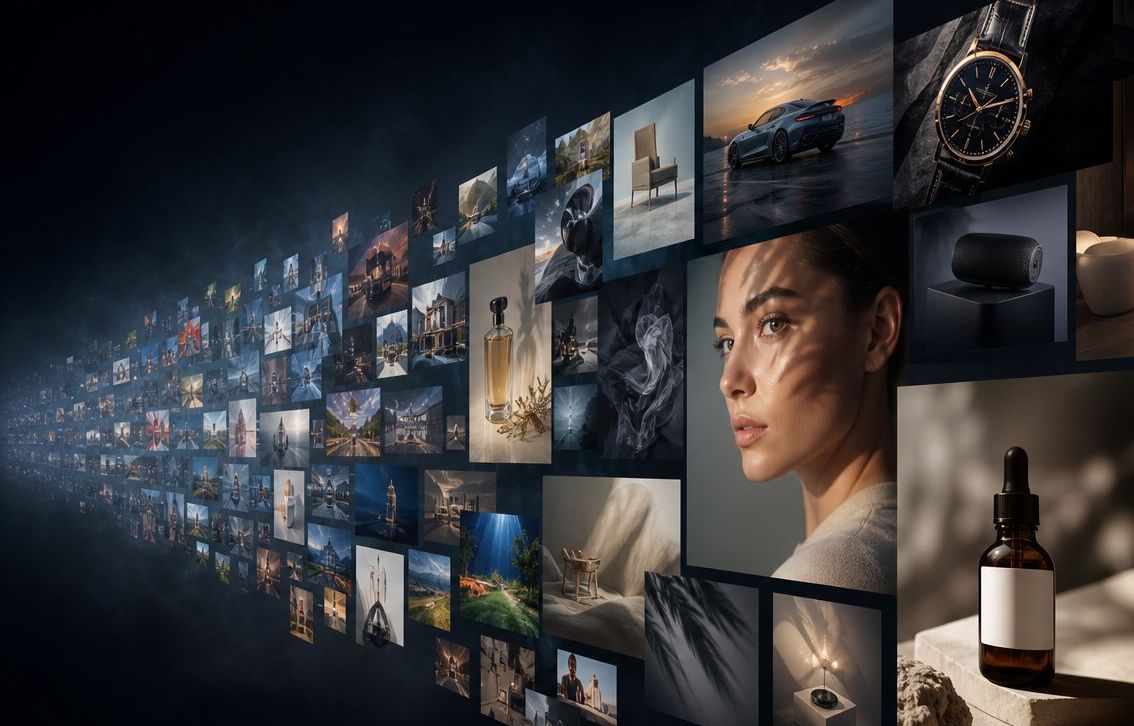
Better AI images, more control, less frustration
Sick of one-off image prompt potshots?
ImgForge is a professional AI image generation workflow that puts you back in control.
No credit card required
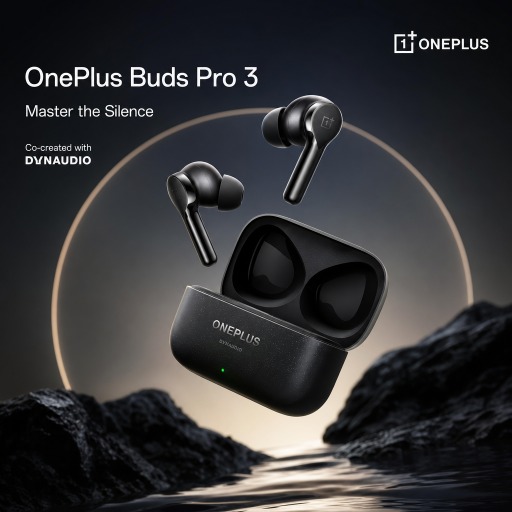
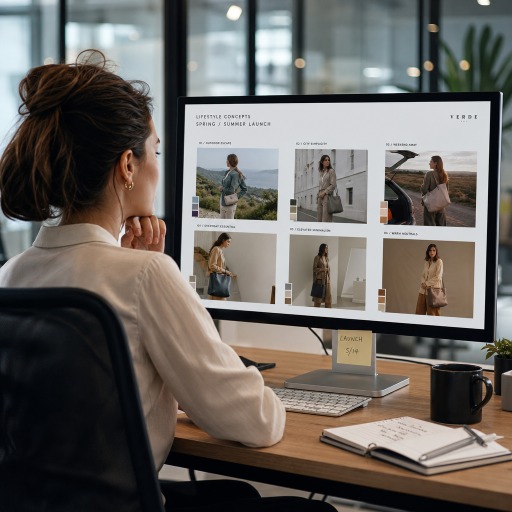
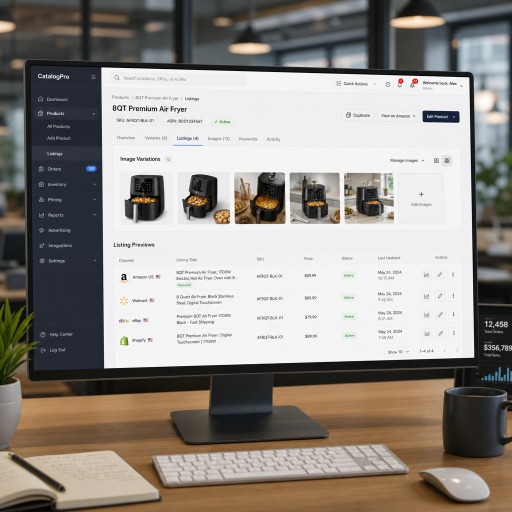
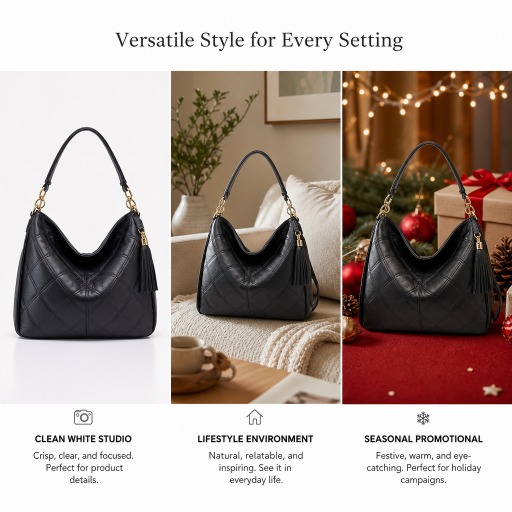
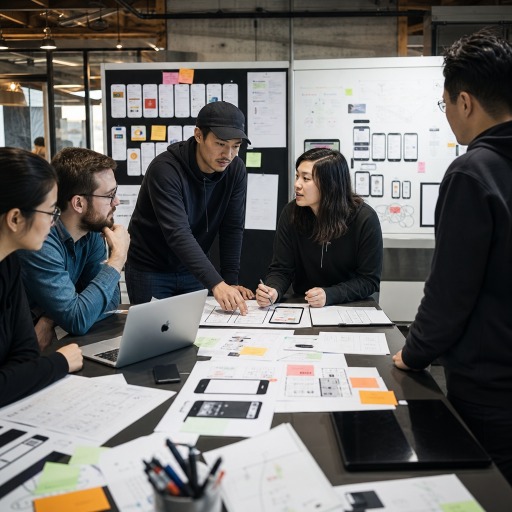
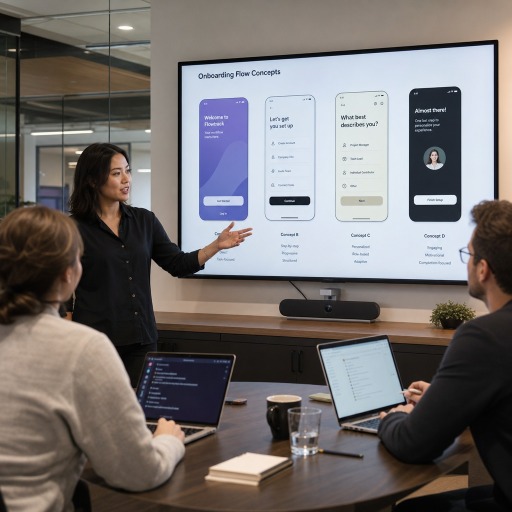
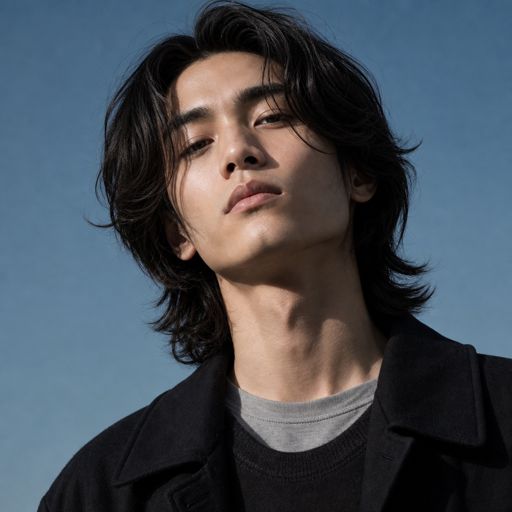
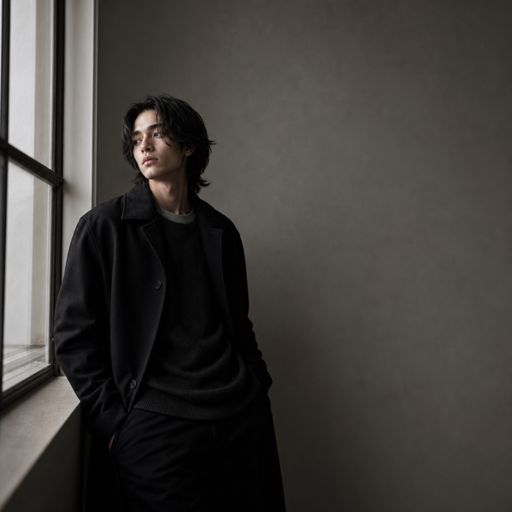
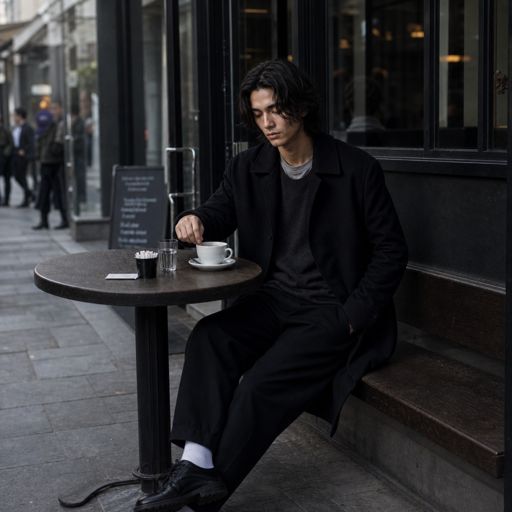
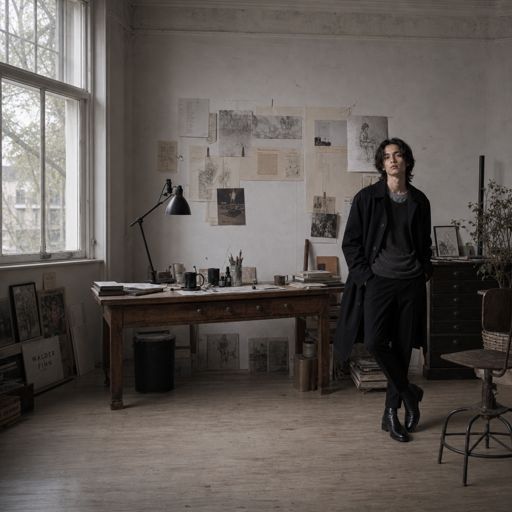
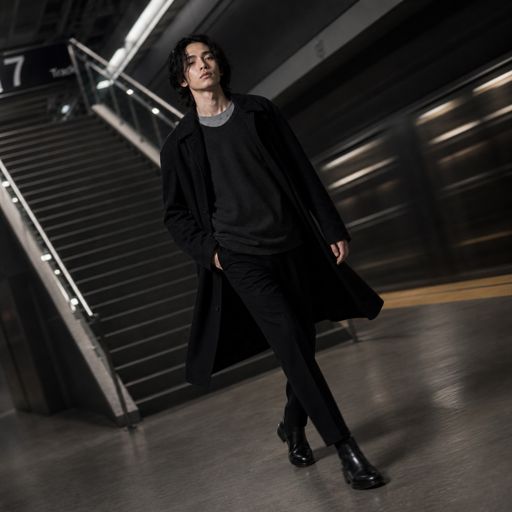
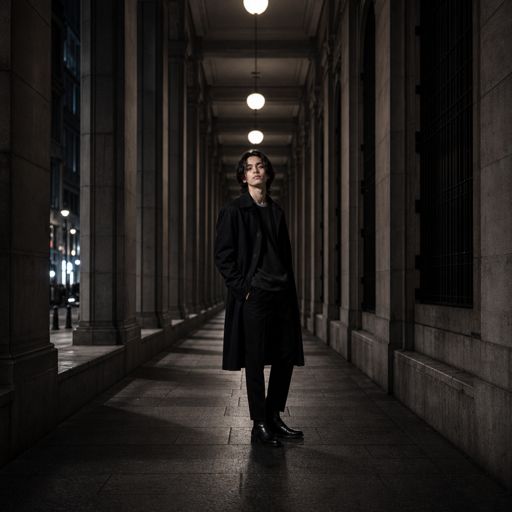
All Images on this page are generated by ImgForge.ai
Access the latest models
Why ImgForge is different
The number one problem generating AI images for professional use is that vague prompts give random results, happy accidents are great but they can't be repeated or reliably tweaked.
ImgForge is built to solve that problem. ImgForge is a suite of flexible tools on a visual canvas that allows you to go deep into the specifics inside the source prompt, to give you more control, less frustration and more repeatable results saving you time and money.
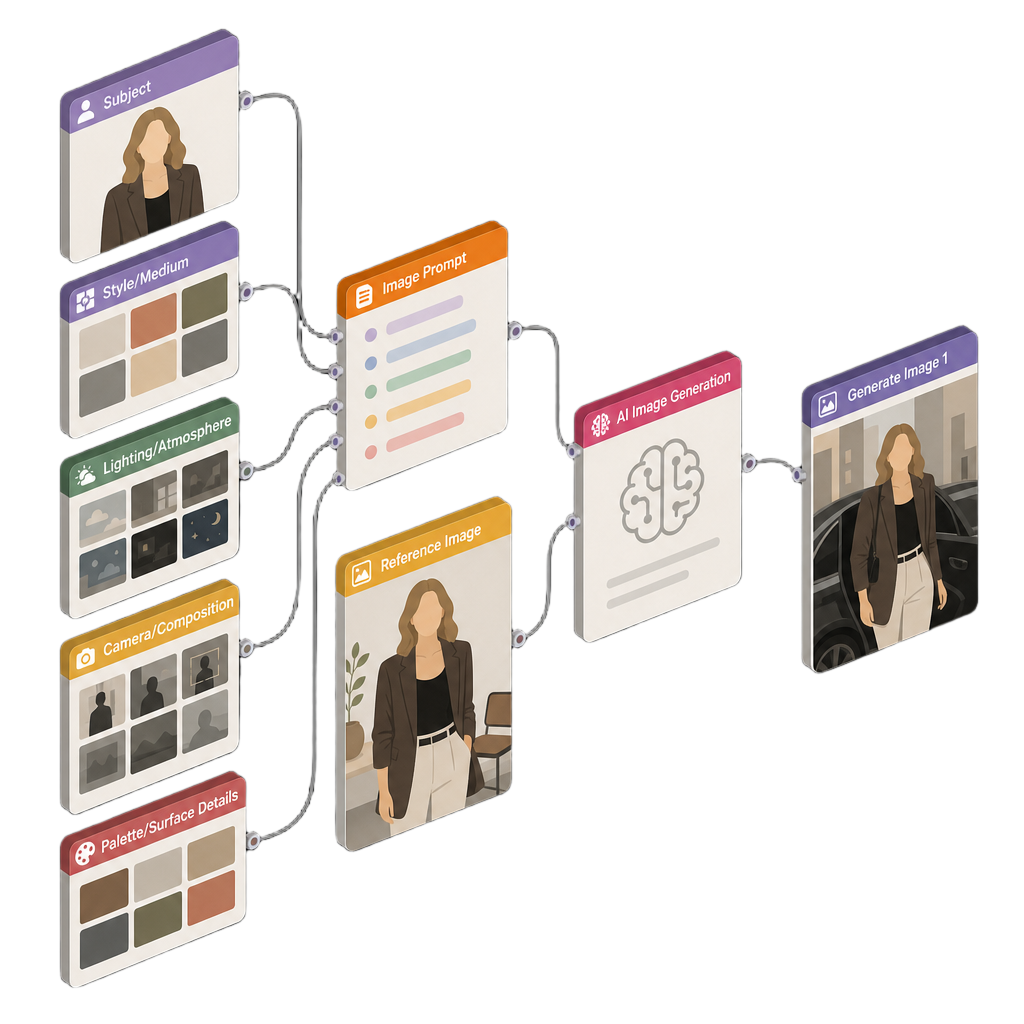
Everything on One Canvas
Start with an AI chat, generate variations, plug-in reference images. Improve images step by step, feed one result into the next, all saved on the one canvas, you can return months later and understand what worked.
Start Simple
Not a prompt engineer... yet? No problem, start with your subject and visually selecting from our style, lighting, camera and composition presets. Convert them to text prompts when you're ready for more control.
Go Deep
Specificity is the key to control, break up detailed prompts into manageable parts and easily create variations with the template system. Get to the right image faster saving you tokens and money.
What you can create
Example professional workflows built with ImgForge.
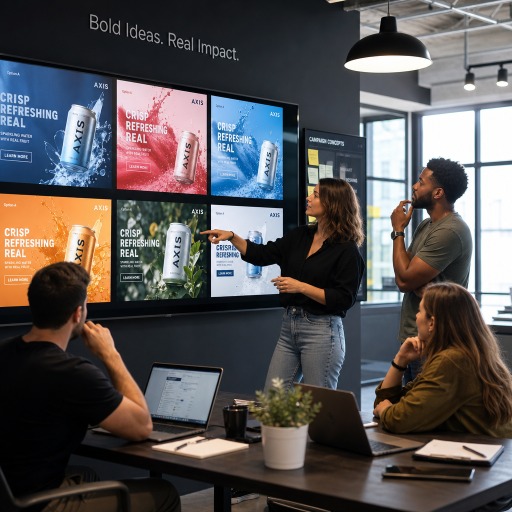
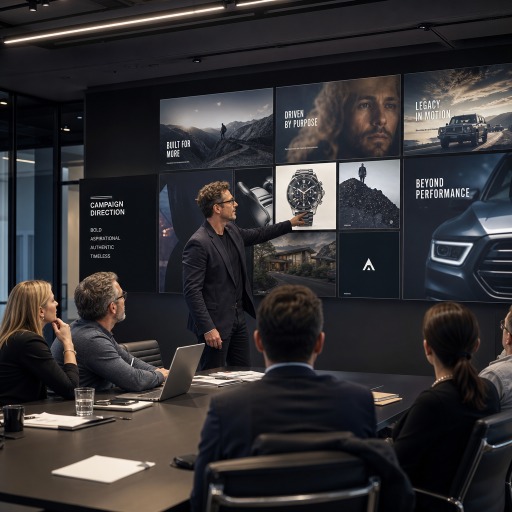
Advertising Creative
Generate high-performing campaign visuals, display ads, and paid social creatives in minutes instead of days.
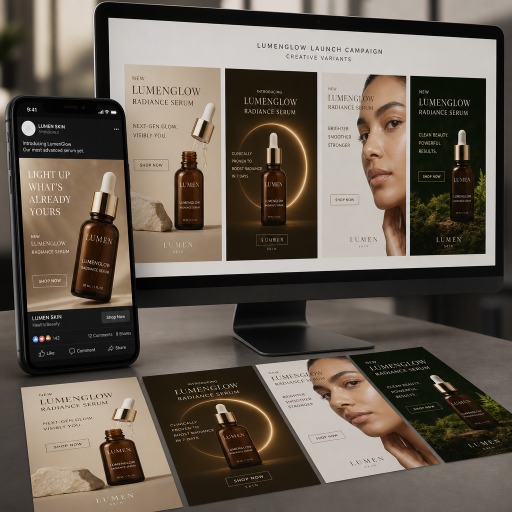
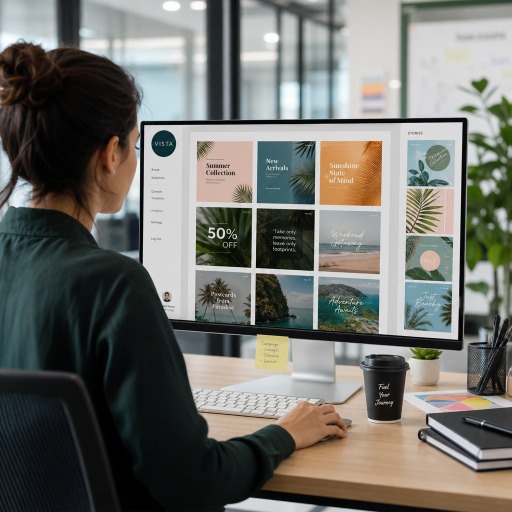
Social Media Content
Create branded social posts, stories, and promotional visuals at the speed your content calendar demands.
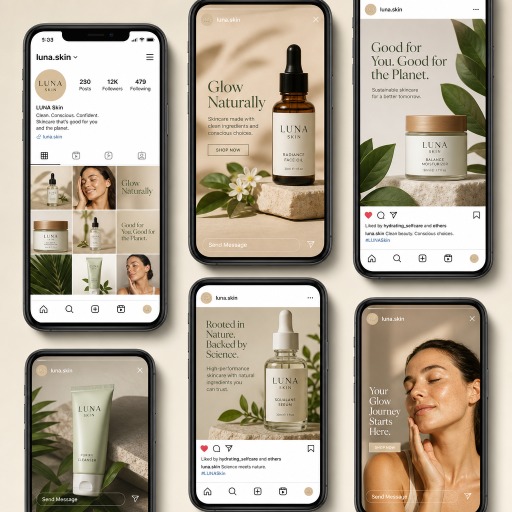
Product Marketing Imagery
Produce lifestyle product visuals, launch graphics, and promotional scenes without the cost of a full photo shoot.

E-commerce Visuals
Create scalable product imagery with clean backgrounds, styled scenes, and marketplace-ready variations.
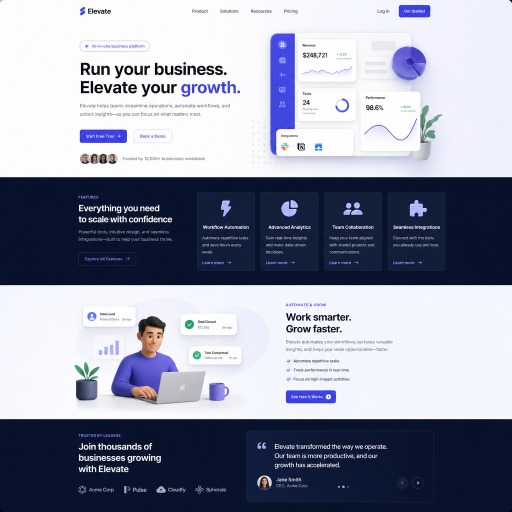
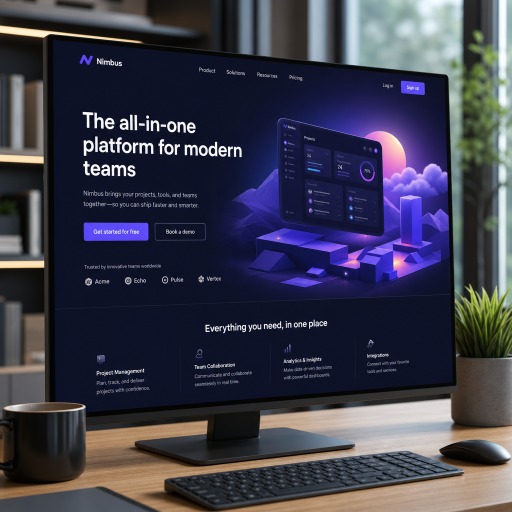
Website & Landing Page Graphics
Design standout hero images, illustrations, and branded visuals that elevate every page and improve conversions.
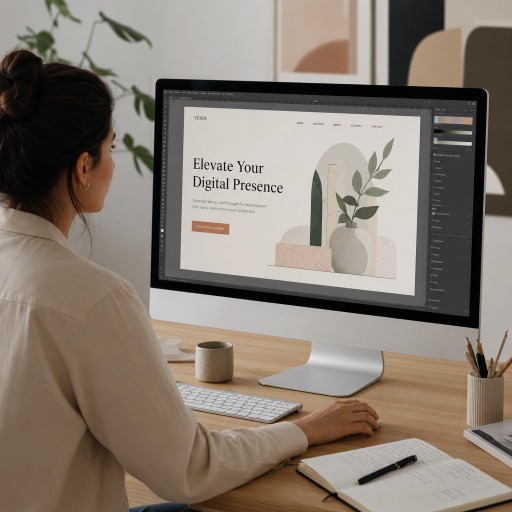
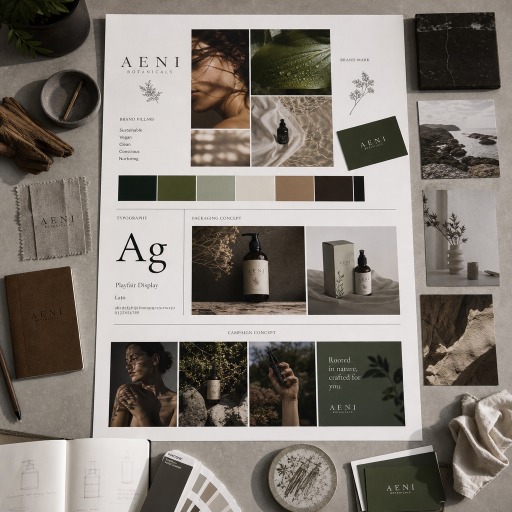
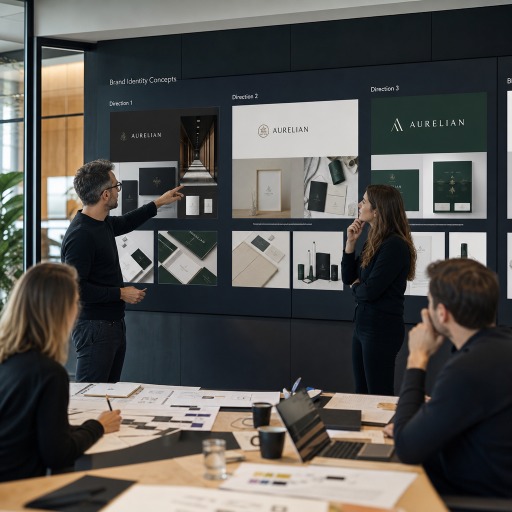
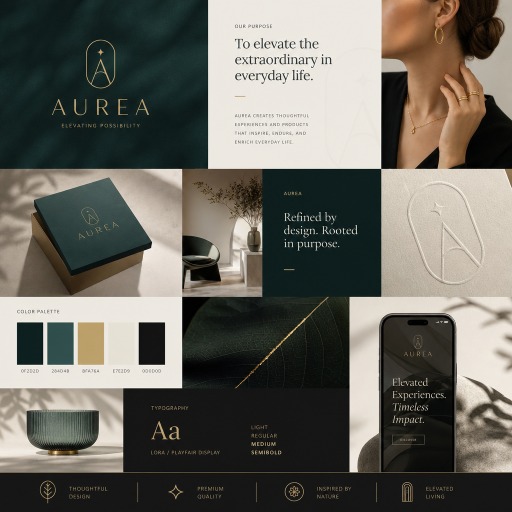
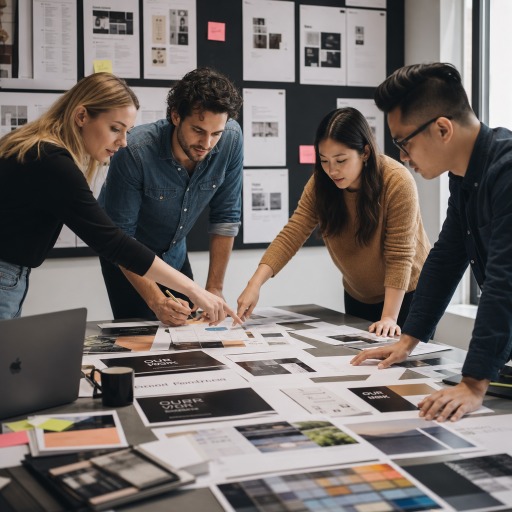
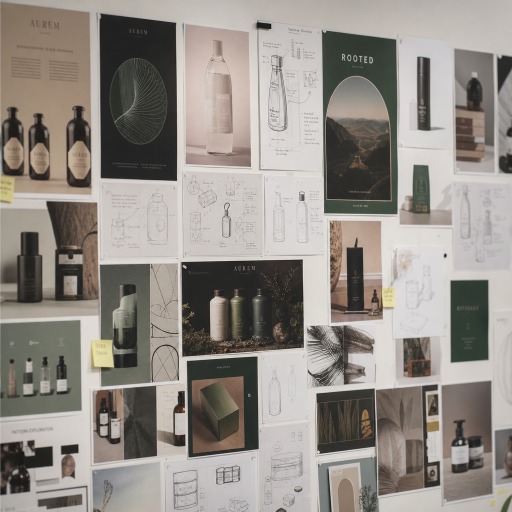
Brand Moodboards & Concept Development
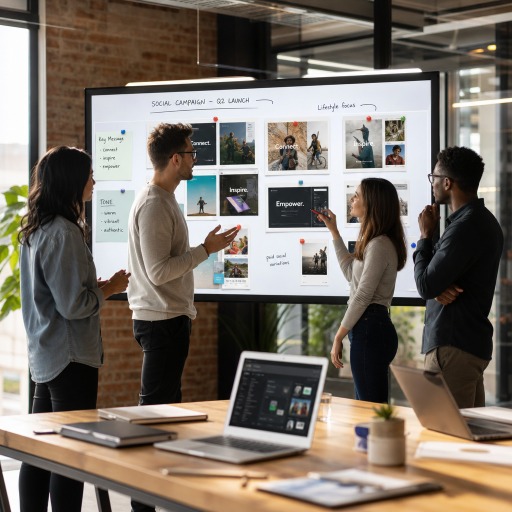
Explore visual directions, brand styles, and campaign concepts faster with presentation-ready creative inspiration.
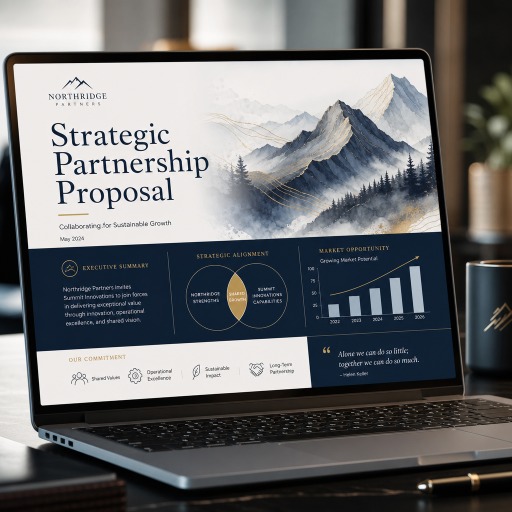
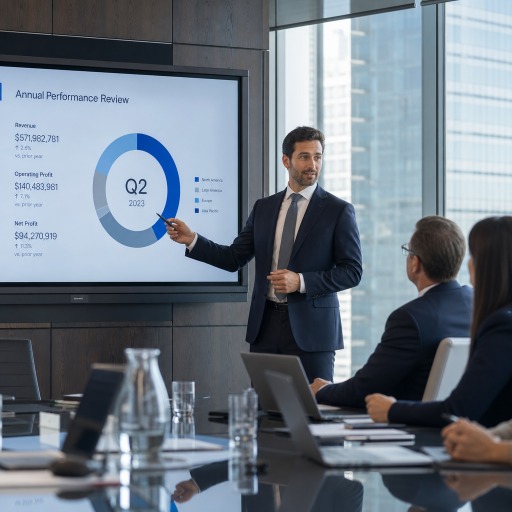
Sales Decks & Client Pitches
Win attention with custom visuals for proposals, presentations, and pitch decks that look polished and persuasive.
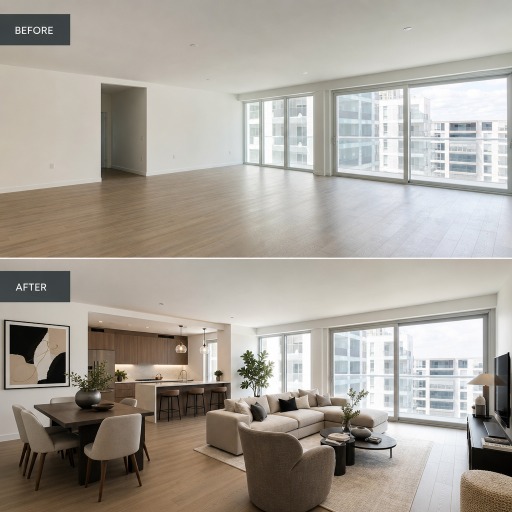
Real Estate Virtual Staging
Turn empty spaces into market-ready listing images with virtual staging and renovation previews.
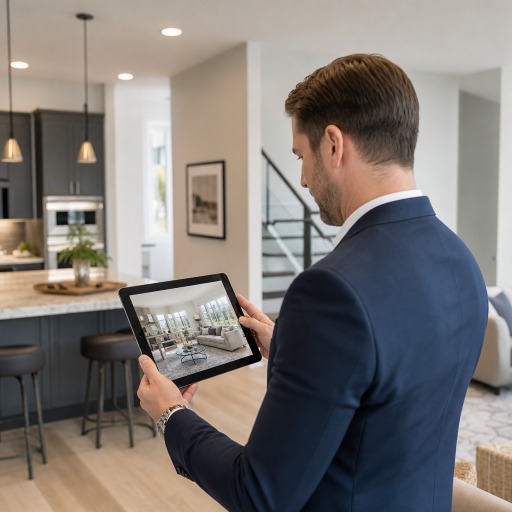
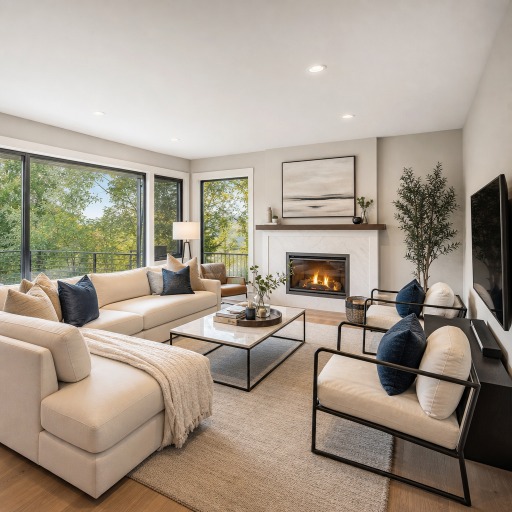
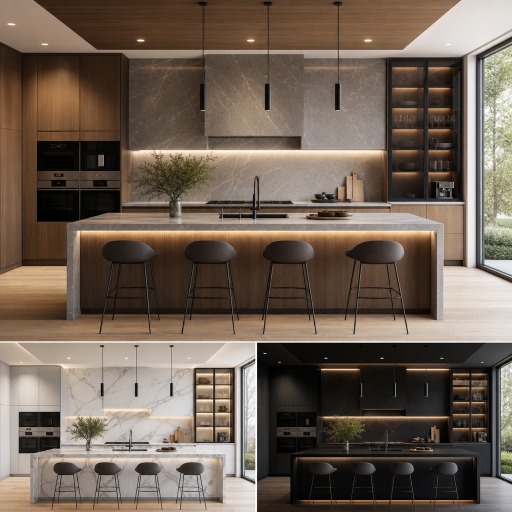
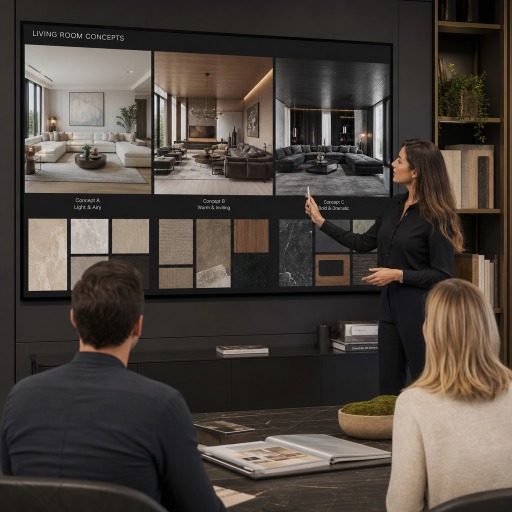
Architecture & Interior Design Concepts
Visualize room layouts, material options, and design directions before committing to costly production.
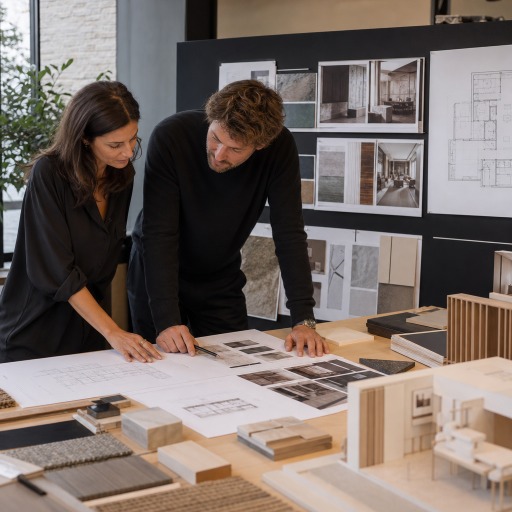
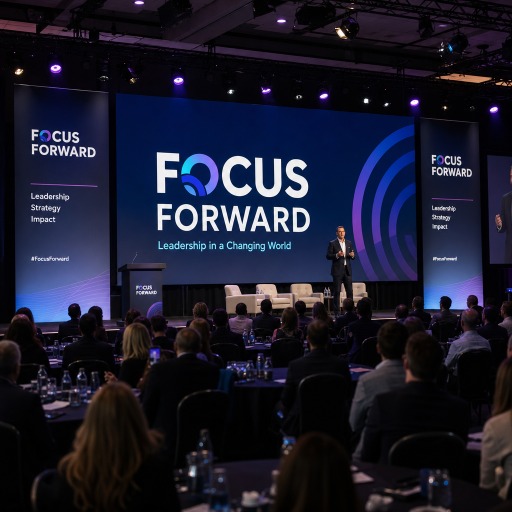
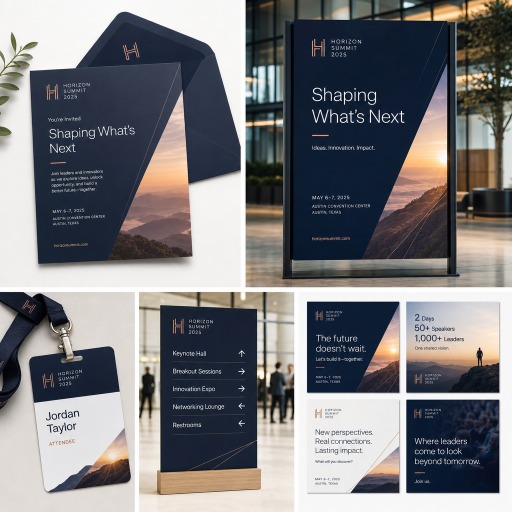
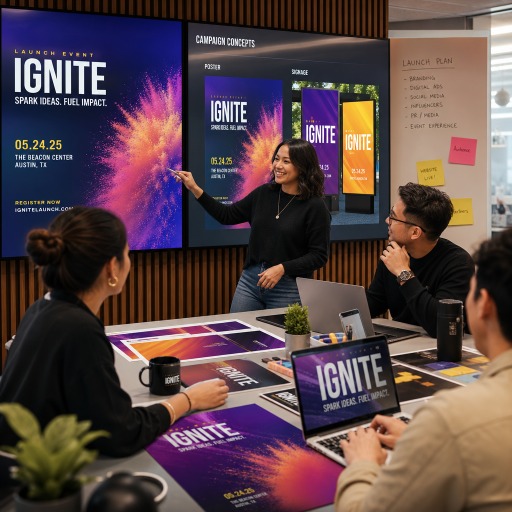
Event & Promotional Marketing
Create bold visuals for launches, conferences, invitations, signage, and event promotions.
Creative Prototype Development
Explore and validate visual ideas early before investing in full production, photography, or design.
How it works
A simple progressive workflow that scales, for structured, repeatable AI image generation.
- 1Start with a chat
Add a Chat node to hash out your ideas and requirements with the AI to set the foundation for your image generation. This chat session is saved to the board so you can refer back to it later. - 2Pick your subject, style, lighting, composition and colors
Using the simplified Image Prompt node you only have to specify the subject then pick from predefined styles, lighting, composition, and color options. - 3Need more control
Convert the presets into separate text inputs for finer control, or define your own moustache template to easily generate consistent variations. - 4Generate variations with supported models
Run the same prompt across GPT Image, Nano Banana, and Seedream variants to explore options. - 5Compare, refine, and save winning patterns
Pick what works, tweak individual blocks, and save successful structures as reusable templates. Like an image, easliy create a new board from an image to use as a reference or starting point for new variations.
Powerful Tools
ImgForge is built for professionals who need more than just one good image. By reusing the same prompt structures, you can produce related images that share style, lighting, composition and references.
- Generate related images that belong to the same visual set all side by side on the one canvas for easy comparison
- Create variations systematically from a single prompt base
- Preserve successful prompt structures so winners aren't lost
- Build repeatable workflows instead of one-off prompts you have to rebuild each time
Works with multiple image models
Run your visual prompt against several image model families and compare the results. ImgForge supports GPT Image, Nano Banana, and Seedream variants, so you can pick the model that best matches each prompt and cost.
Because an image's whole journey is stored, you can revisit and re-run prompts against new models and utilize new features as they become available.
Built for repeatable workflows
ImgForge is for people who need consistency and iteration — not random one-off outputs. If you generate images for ongoing projects, branded series, or product lines, the goal isn't a single lucky result. It's a workflow you can run again and again.
- Reuse prompt structures across projects
- Iterate on individual blocks instead of rewriting whole prompts
- Lock in patterns that produce consistent image sets
Simple Pricing
Early access pricing. Lock in the best rate by joining now.
Starter
- Visual prompt canvas
- Image generation
- Version history
- 1 Gb Storage
- 1000 generation credits
Creator
- Everything in Starter, plus:
- Reference image support
- Token top-up packs
- 10 Gb Storage
- 5,000 generation credits
Studio
- Everything in Creator, plus:
- Prompt templates library
- Priority generation
- Unlimited Storage
- 10,000 generation credits
Frequently asked questions
What is ImgForge?
ImgForge is a visual AI image prompt builder. Instead of writing flat text prompts, you compose prompts from reusable blocks for style, subject, lighting, and composition, then generate, compare, and refine images in a structured workflow.
How is ImgForge different from a standard AI image generator?
Standard AI image generators take a single text prompt and return one-off images. ImgForge gives you a visual prompt workflow: build prompts from reusable blocks, generate variations, compare results, and save the structures that work so you can produce consistent image sets instead of starting over each time.
Can I create related or consistent images with ImgForge?
Yes. ImgForge is built for consistent image sets. By reusing the same prompt blocks for style, subject, and composition across generations, you can create related images — sprite sheets, thumbnail grids, infographic series, or branded image families — that look like they belong together.
Does ImgForge support text-to-image workflows?
Yes. ImgForge is a text-to-image workflow tool. You build your text prompt visually from blocks and generate images with supported AI image models directly from your prompt board.
Can I reuse prompt structures across projects?
Yes. Every block — style, subject, lighting, composition — is reusable. Save proven prompt structures and drop them into new projects so successful patterns become repeatable workflows instead of one-off prompts.
Which image generation models are supported?
ImgForge supports multiple image model families, including GPT Image, Nano Banana, and Seedream variants, so you can generate the same prompt across models and compare results.
Build prompts visually. Generate consistent images.
ImgForge is a visual AI image prompt builder for structured, iterative, and reusable image generation workflows. Sign up for early access and start building image prompts that you can run again and again.
No credit card required.